



What Uzum Bank offers are available now?
This page has 4 live offers, all of them work through a link — no code needed. The Promokoduz team has tried 3 of them itself — those cards carry the “Verified” badge.
4 Active promocodes
First Apple Pay payment with an Uzum card: 100% cashback, up to 50,000 sum
This page has 4 live offers, all of them work through a link — no code needed. The Promokoduz team has tried 3 of them itself — those cards carry the “Verified” badge.
The “Activate the link” button on the card opens the Uzum Bank page — there is no code to enter. Who gets the offer and on what terms is written on its page.
First reread the terms on the offer page: many offers are for new users only or start from a minimum amount. If it still fails, write to us via the “Contact” page and we will review the offer.
2 of them show an end date; for the rest Uzum Bank has not announced one. Expired offers are marked “Expired” automatically every day.
No: viewing and using offers on Promokoduz is free, and you don't need an account. Referral offers here: 2 (marked “Referral” on the card). When one is used, whoever shared it, most often Promokoduz, may earn a bonus; your terms stay as the offer states.
Offers come mainly from the official website, app and social accounts of Uzum Bank, and referral offers from the brand's referral programme. Terms and end dates are written as the source states them; expired offers are marked automatically. More on the “How We Verify Promocodes” page.
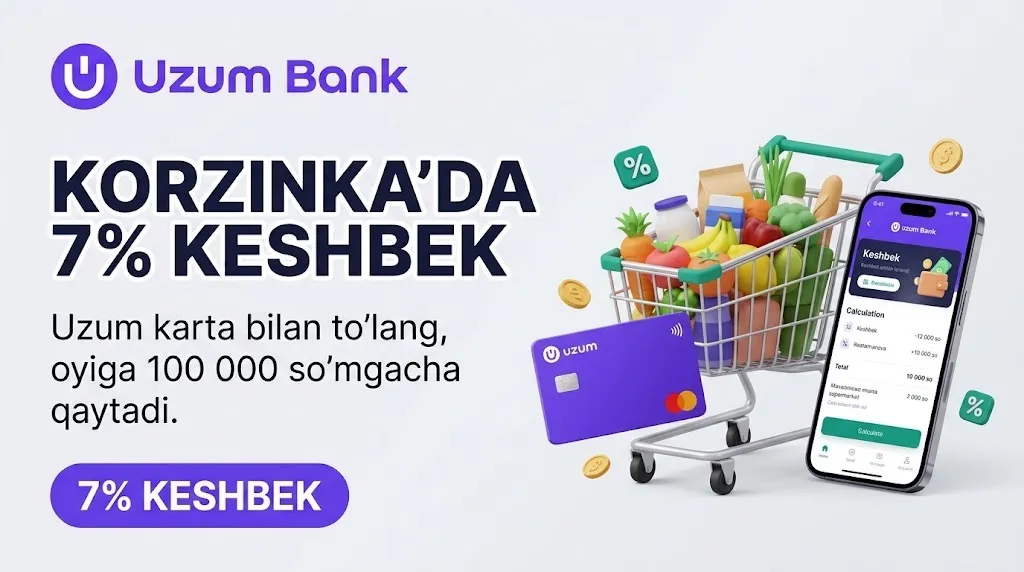
Pay with an Uzum card at Korzinka supermarkets or in the Korzinka Go app and 7% comes back. The cap is 100,000 UZS a month — terms, the maths, and how to open the card.
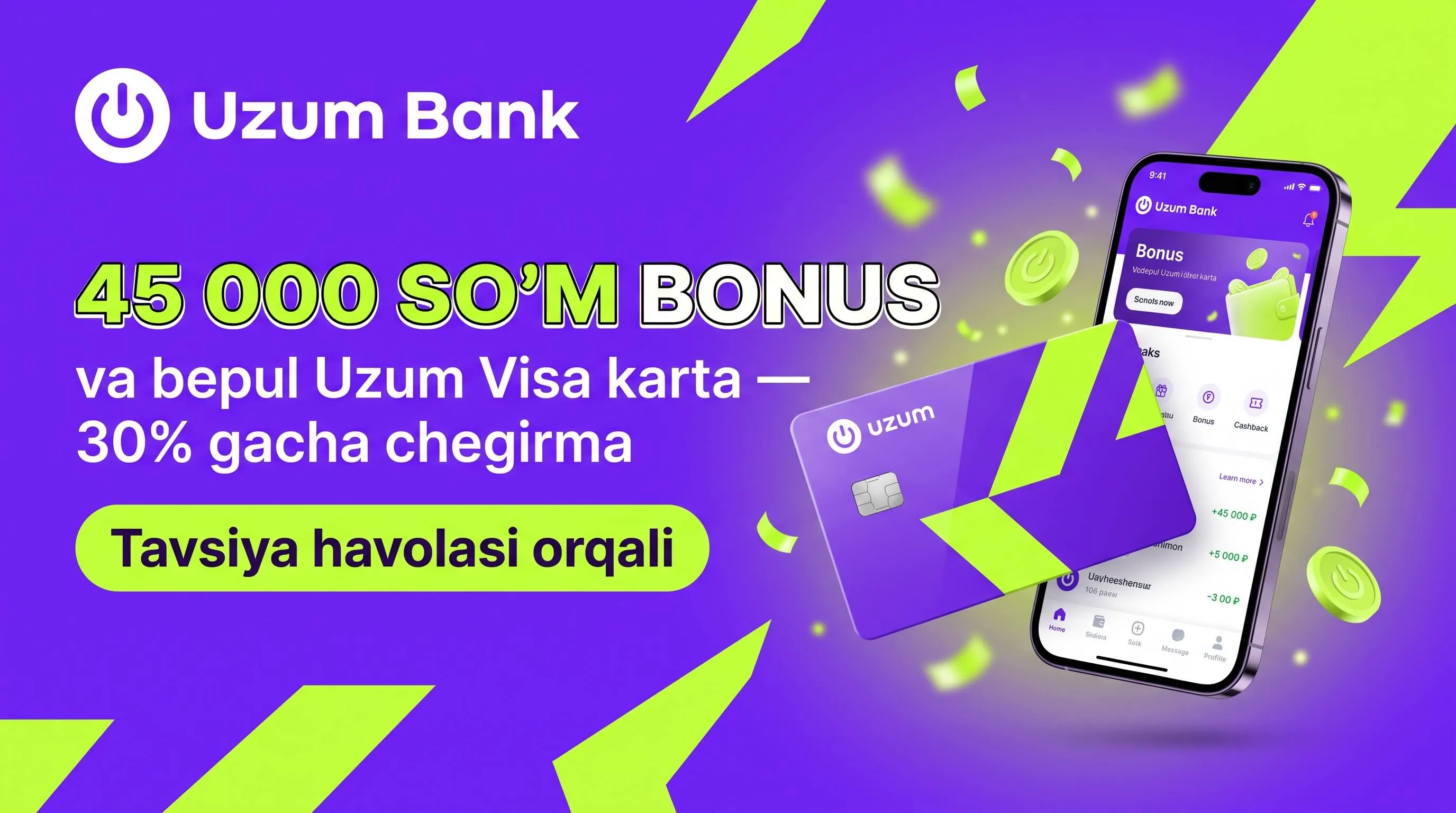
Uzum Bank publishes no referral bonus amount — the "45,000 UZS" figure has no source and describes the inviter's reward. The card terms come from the bank's own page.